
ZERO-DELAYVIEWING
Observers, moderators, and support teams stay aligned with low-latency live viewing designed for real session follow-through.
HT Backroom · HighTech Suite
HT Backroom is High Tech Development’s observer backroom for qualitative research inside HighTech Suite. It gives client and agency teams, moderators, and translators a private place to watch, coordinate, react, and stay aligned during live market research—without distracting the moderator or the people in the session. It is where cross-surface studies become usable: remote, mobile UX research, field, and facility all in one observer workspace.
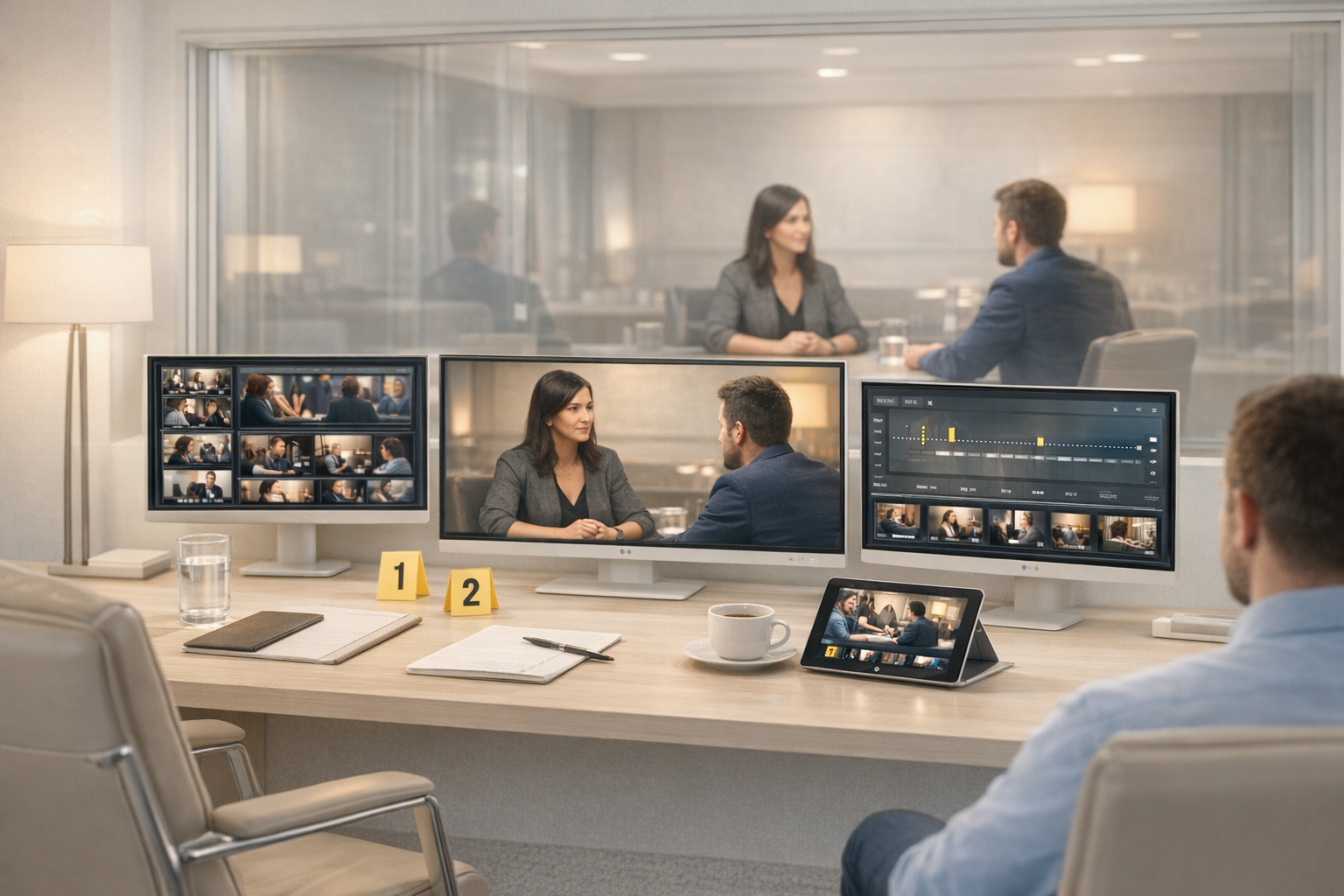
Observer workflows for online focus groups, IDIs, mobile UX research, and facility sessions. Not a stream to stare at—a real place to work.
Core capabilities
Observers, moderators, and support teams stay aligned with low-latency live viewing designed for real session follow-through.
See participant reactions, stimulus handling, and room context clearly enough that detail does not get lost in the stream.
Original and interpreted audio workflows for multilingual studies and globally distributed teams—handled inside the observer workspace, not bolted on.
Replay, pause, and review the live session timeline without losing the broader session context or stepping into the live room.
Follow the session from the angle that matters—room view, respondent focus, or a controlled hybrid setup—without juggling side channels.
For device-plus-room studies, Backroom keeps the conversation, the device, and the room visible together instead of forcing observers to juggle side tools.
Observer workflows
A client-only coordination layer designed to support clarity, pace, and decision-making during the live session.
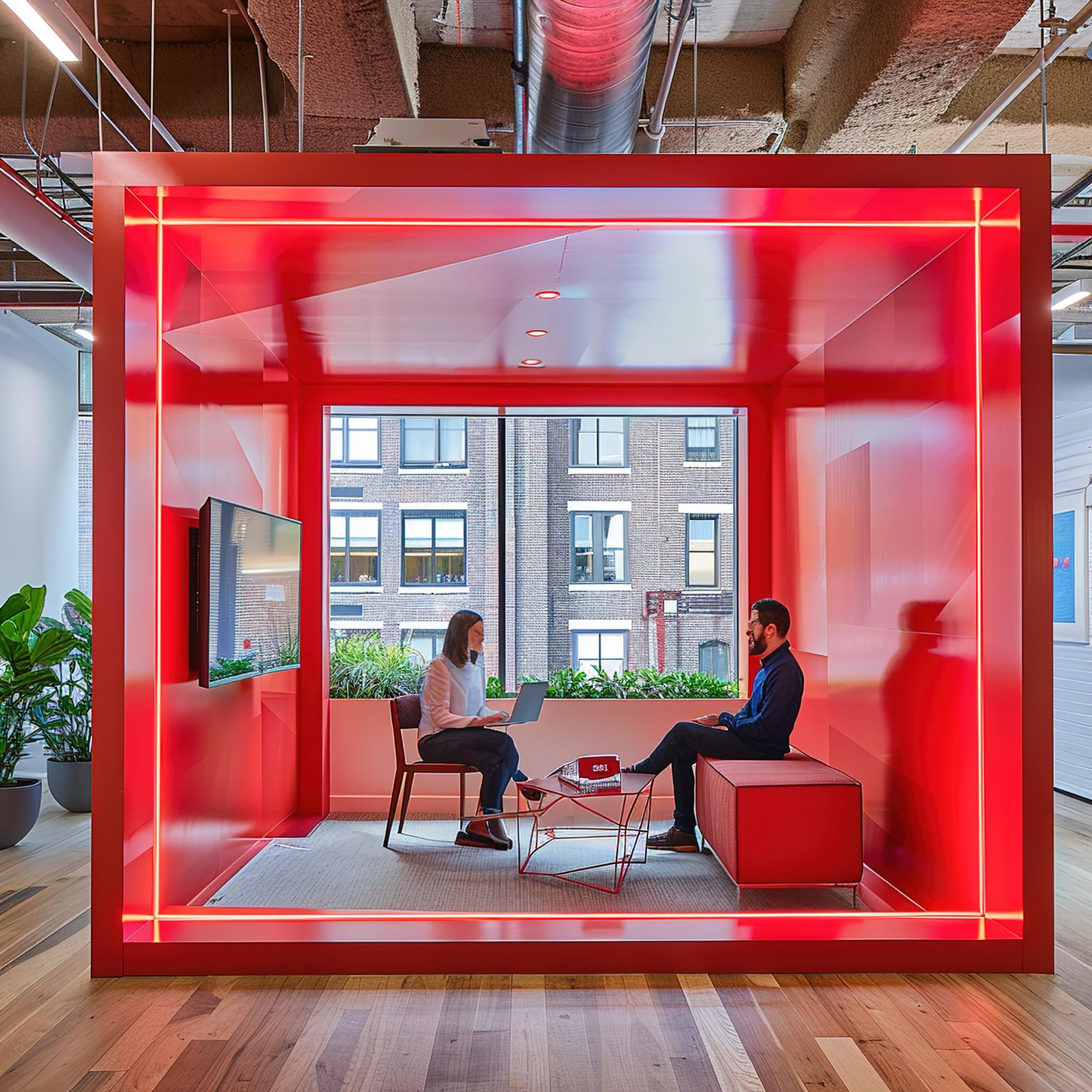
Bring notes, marks, and working discussion into one observer surface so the session story stays organized while it is still happening.

For mobile UX studies, observers often need to understand what is happening in the conversation, what is happening on the device, and what is happening in the room—all at once.
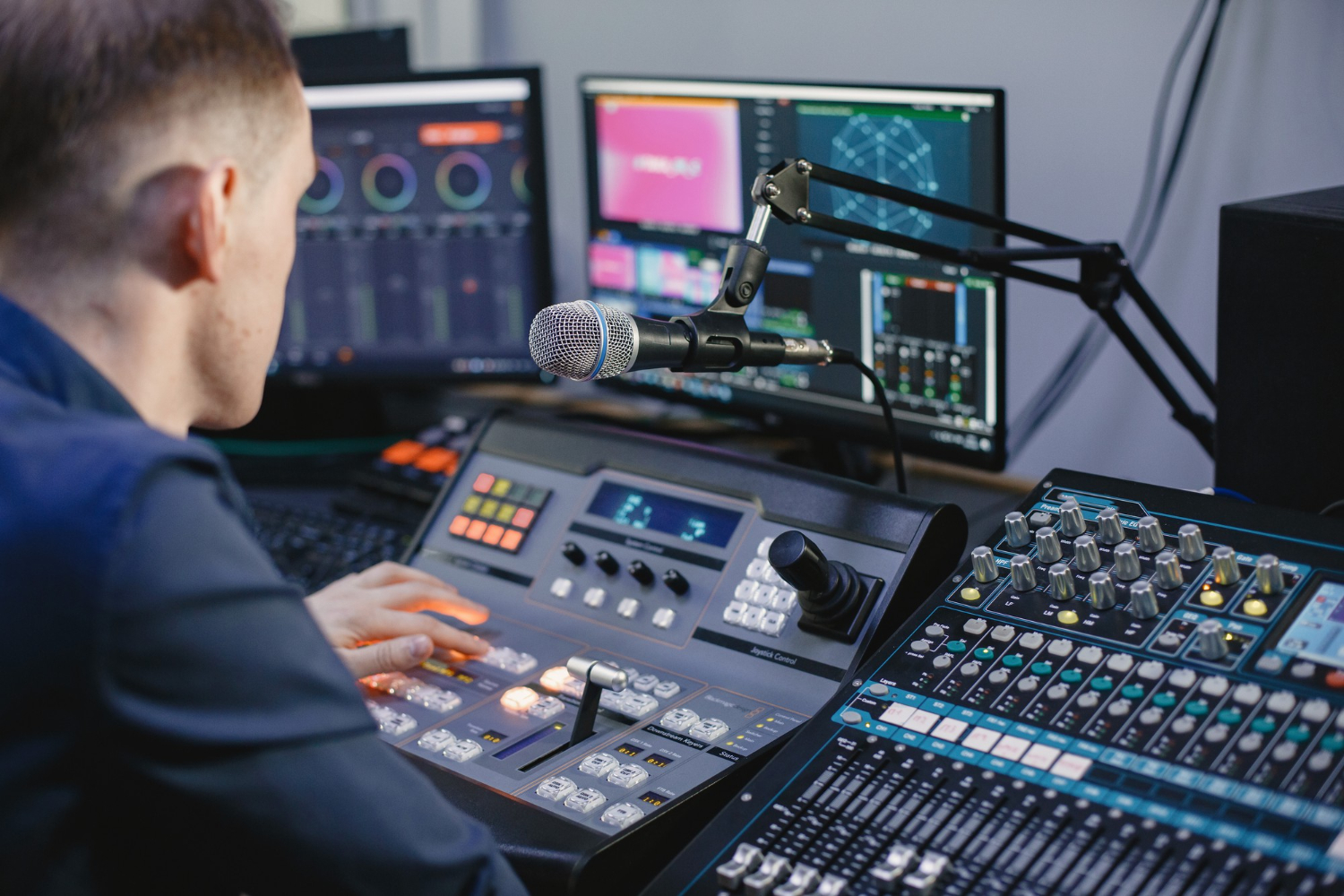
Backroom is not just a viewing tab. It is the coordination surface where teams follow the session, manage context, and prepare better decisions.
Signals / moderation support
Where HT Sense is present, Backroom is the natural observer context for evidence, signals, and moderation support. Keep the language disciplined: observable signals, confidence, evidence—not diagnosis theater.
Common questions
No. HT Backroom is an observer workspace designed for coordination across online focus groups, IDIs, mobile UX research, and facility sessions—not just passive watching.
Clients, research agencies, brands, research facilities, moderators, and translators who need secure live visibility across qualitative research sessions without disrupting the live room.
Yes. It is designed as a cross-product observer layer for HighTech Suite—covering remote HT Meet sessions, HT Mobile field and device capture, and HT Facility room workflows.
Yes. That is one of the strongest use cases because mobile UX qualitative research often needs coordinated observation across multiple surfaces—the conversation, the device, and the room. See the dedicated mobile UX research workflow for how it ties together.
Next step
Give observers a real place to work—not just a stream to stare at. The more of the HighTech Suite workflow you use, the more valuable Backroom becomes because observers are not just watching a stream, they are working inside the session story across remote, mobile UX, field, and facility.